Cybersecurity comes to life in front of your staff
Phishing, passwords, public Wi-Fi or malware: an interactive session open to everyone, to learn to recognise threats, avoid common mistakes and respond effectively to risky situations.
- Standard format, questions included
- 2 hours
- Scenarios and messages tailored to you
- 100% customisable
- No technical prerequisites
- All profiles
- Recommended for the best interaction
- ≈ 20 participants
Cybersecurity sticks better when you see it coming.
A phishing attempt often looks obvious in hindsight. A password seems strong enough until you watch it fall. A public Wi-Fi network looks harmless until data starts flowing in front of the audience.
Our awareness sessions make threats visible. Each scenario is shown from the attacker's point of view, then the victim's, to understand how the incident happens, what its consequences can be and, above all, how to avoid it.
- 1 · See
- The attack comes to lifeA live demonstration makes the risk immediate, concrete and understandable, without technical jargon.
- 2 · Understand
- The mechanism becomes clearThe speakers explain what the attacker sees, what the victim goes through and why the attack can work.
- 3 · React
- The right reflex takes holdEach demonstration ends with simple steps that apply straight away, at work and at home alike.
What your staff actually get to see
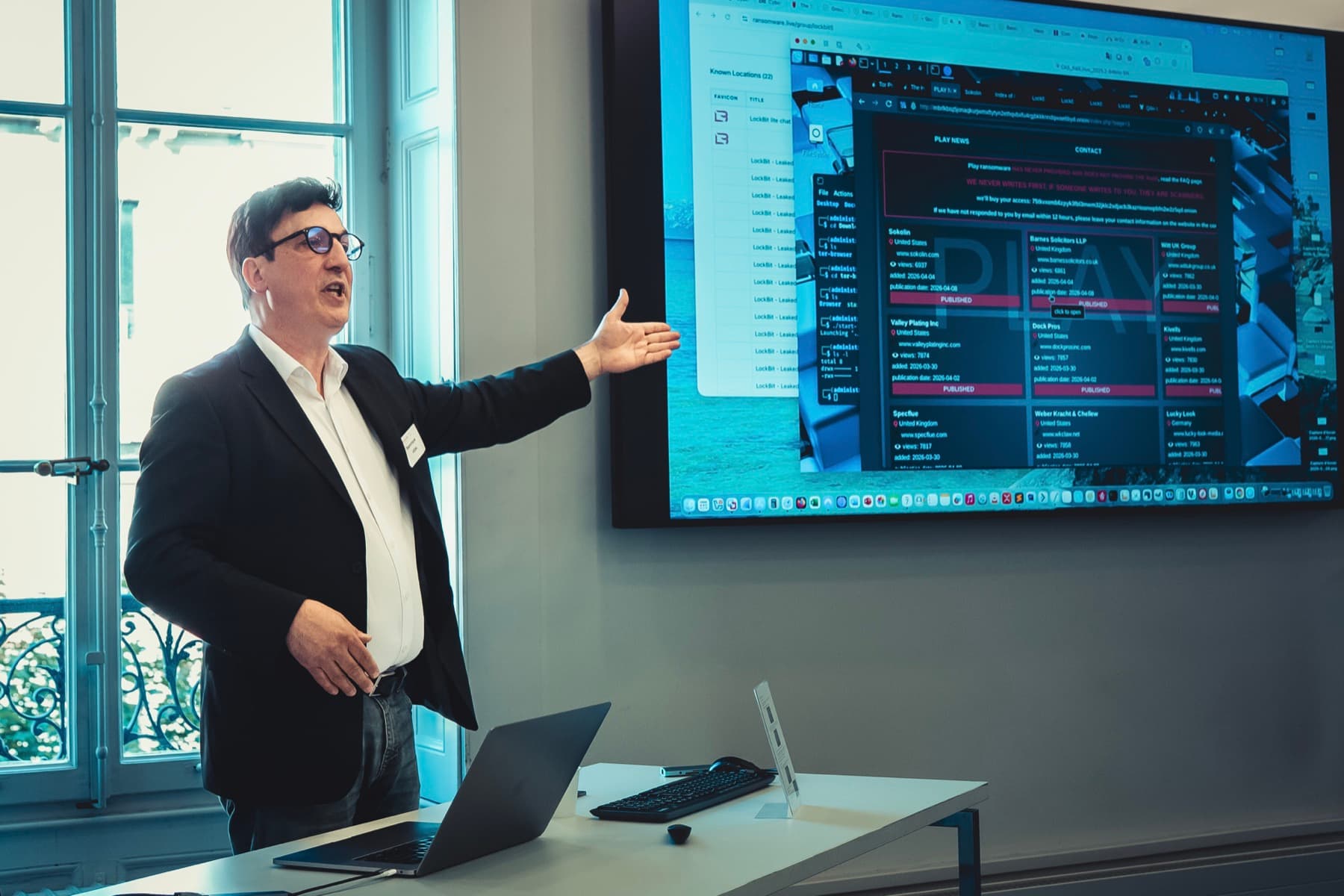
The demonstrations turn often abstract risks into concrete situations. They are explained from the attacker's side and the victim's, without asking the audience to handle any tools.
Identity
A password under attack
Understand why length, uniqueness and multi-factor authentication make all the difference to how well an account holds up.
Phishing
A deceptive message taken apart
See how a credible request is prepared and learn to spot the warning signs before clicking or replying.
Workstation
A compromised computer
See the effects of a malicious file, a keylogger or an unmanaged device on data and access.
Mobility
An exposed connection
Understand the risks of public Wi-Fi networks, external connections and unmanaged environments.
Ransomware
An attack that spreads
Discover how a compromise can affect a workstation, files and an organisation, and why every response counts.
Cybercrime
Behind the scenes with attackers
Explore the dark web, stolen data and some connected devices to better understand the cybercrime ecosystem.
Immersed in everyday risks
The session follows the thread of a digital day, alternating explanations, demonstrations, questions to the audience and practical recommendations. We adapt and build the topics around your needs.
- Chapter 1
Understanding the threat
Who attacks, why, how, and why every organisation can be affected.
- Chapter 2
At the office
Passwords, session locking, devices, USB sticks and risky behaviour.
- Chapter 3
In the inbox
Phishing, manipulation, checking requests and data protection under the revised FADP.
- Chapter 4
At home
Remote working, shared devices, home networks and keeping work and personal use apart.
- Chapter 5
On the move
Public Wi-Fi, mobility, external connections and precautions in unmanaged environments.
- Chapter 6
On the attackers' side
Cybercrime, the dark web, real-world examples and the final recommendations to remember.
A session designed to get a reaction
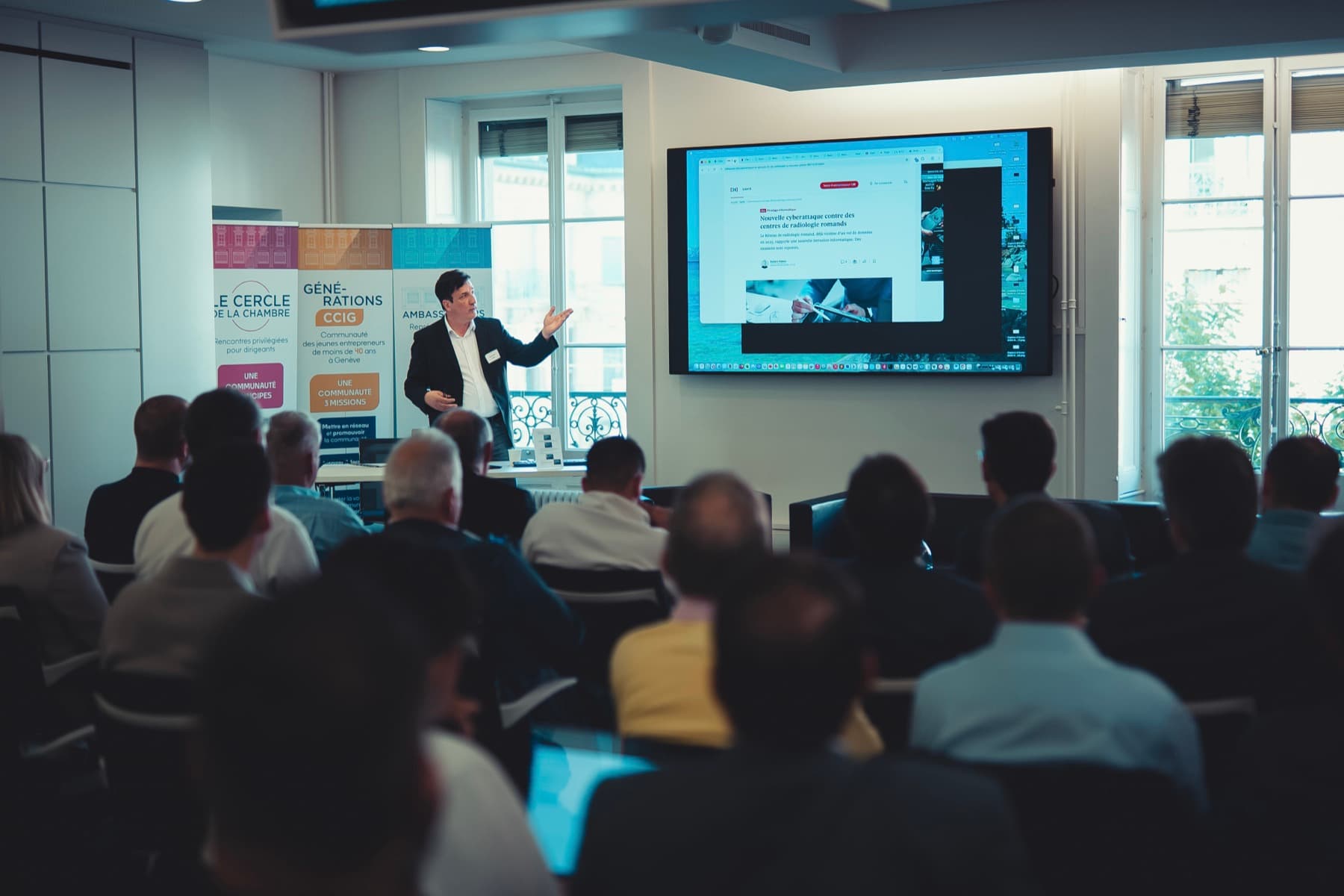
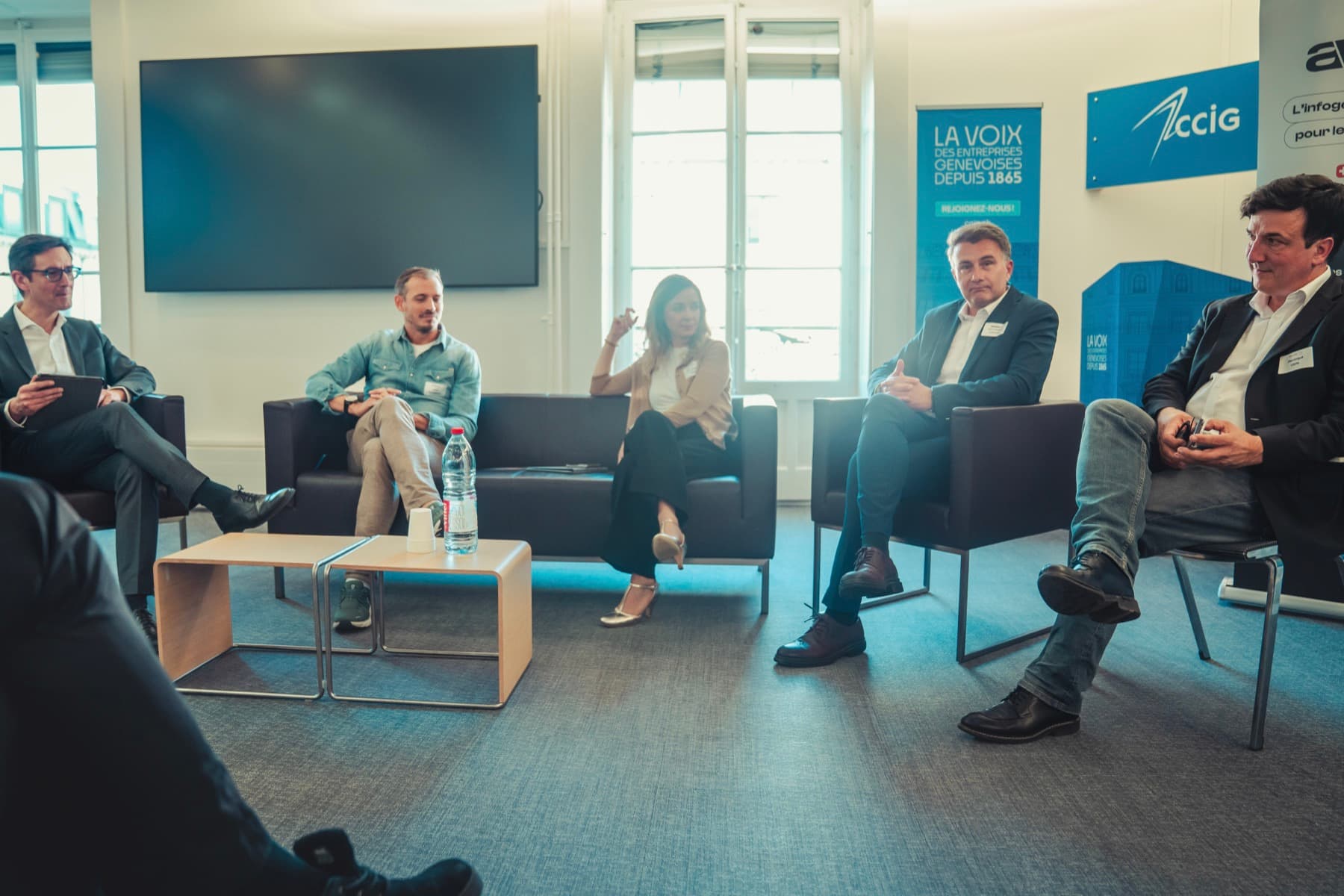
The audience does no technical exercises. They watch, answer questions, react to the scenarios and talk with the consultants. This guided participation holds attention while staying accessible to every profile.
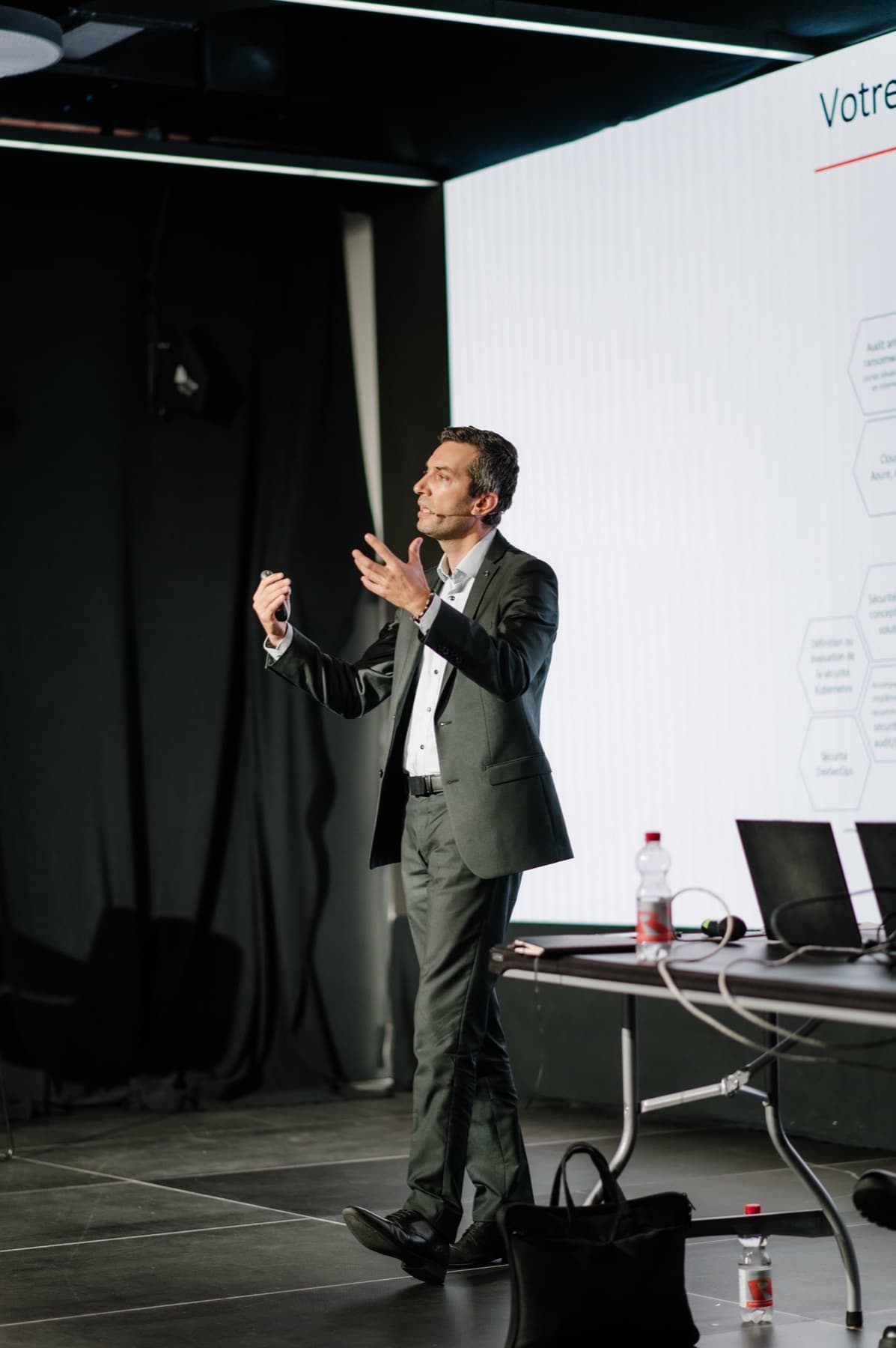
- Two SecuLabs consultants to pace the demonstrations and the discussion.
- Careful staging, concrete examples and language suited to the audience.
- Questions woven through the session, without putting anyone on the spot.
- Demonstrations run in a controlled environment and explained step by step.

The reflexes that stay after the session
Spot warning signs
Recognise phishing, a scam or unusual behaviour sooner.
Check before acting
Take a few seconds to confirm a request, a link or an apparent emergency.
Protect access and data
Adopt the habits that reduce risk at the office, at home and on the move.
Report without delay
Raise a doubt or an incident through the right channel, even when no damage is visible.
Respond methodically
Avoid actions that make the incident worse and apply the first useful instructions.
A session shaped around your reality
We adapt the examples, scenarios, anecdotes and key messages to your sector, your tools and the risks your staff face. The 2-hour format is a baseline: the session can be adjusted, expanded or reorganised to fit your objectives.
- 1
Before the session
A discussion of your context, the audience's profile, incidents you have already faced, priority messages and the most relevant demonstrations.
- 2
During the session
Vocabulary, examples, scenarios and level of detail suited to your sector. Participants are drawn in through questions and role-play situations.
- 3
After the session
Handover of the slides, a summary sheet of good practices and, depending on the arrangements chosen, a certificate of attendance.
The essential answers
- Do participants need any IT knowledge?
- No. The session is designed to be understood by every profile. No technical prerequisites are needed.
- Do participants need to bring a computer?
- No. The consultants run the demonstrations. The audience watches, reacts, answers questions and joins the discussion, but does not work on a computer.
- Is the content always the same?
- No. The outline is fully customisable. The examples, demonstrations, depth of each topic and pace are adapted to your sector, your audience and your priorities.
- Can we hold several sessions?
- Yes. Several sessions can be scheduled to reach more employees while keeping a high level of interaction.
Make cybersecurity an experience your teams will remember
Let's talk about your audience, your context and the risks you want to make tangible. We will build an accessible, interactive session suited to your organisation.